
Team Scheduling
Publish your shifts for contractors, roadies, photographers, stage managers, and crew members. Collect their availability and automatically generate a clear, optimized schedule.
Schedule Quickly
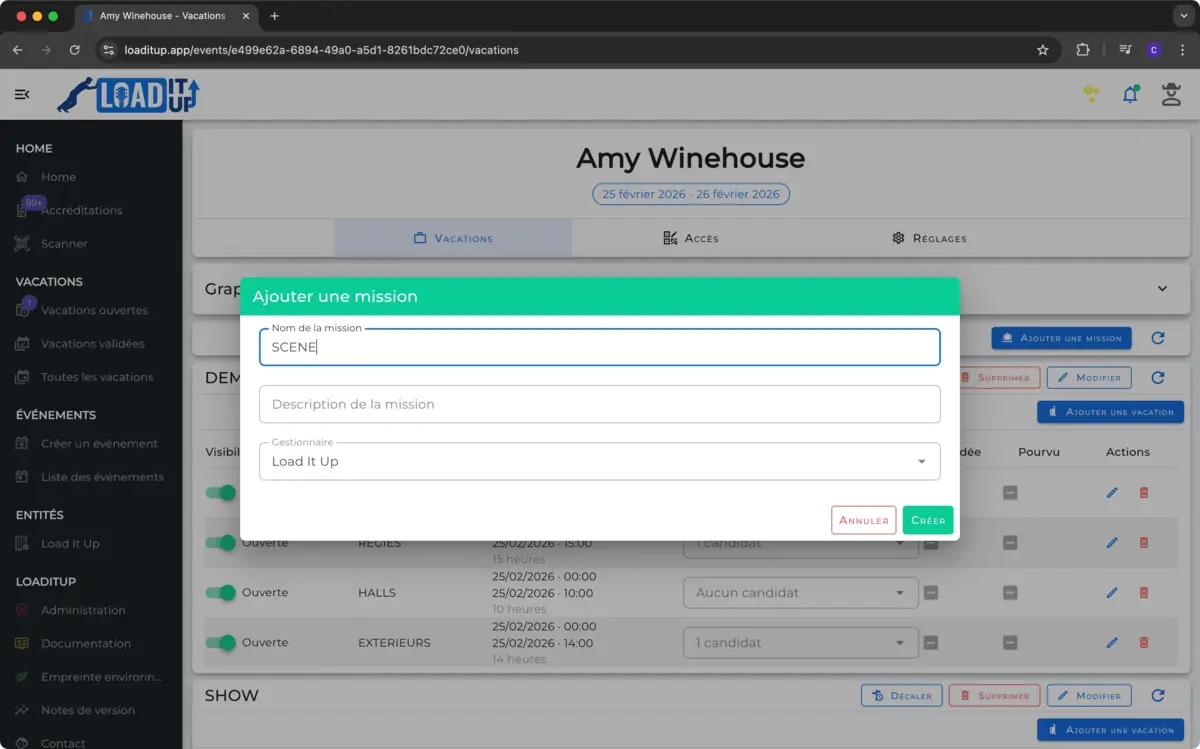
Create missions with date and time in just a few clicks.
Collect Availability
Let your contractors indicate when they’re free, all in one place.
Assign with Ease
Assign missions to the right people at the right time.
Flexible Planning
Organize, schedule, and manage your teams with ease
Easy to Manage
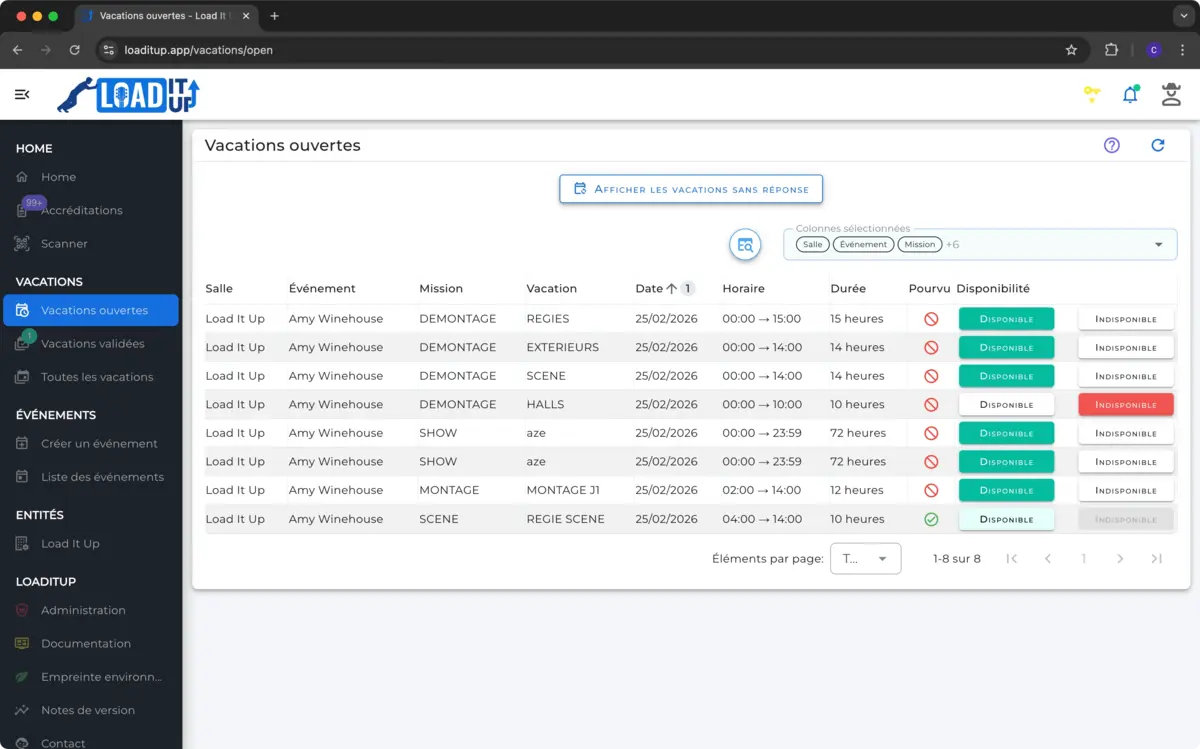
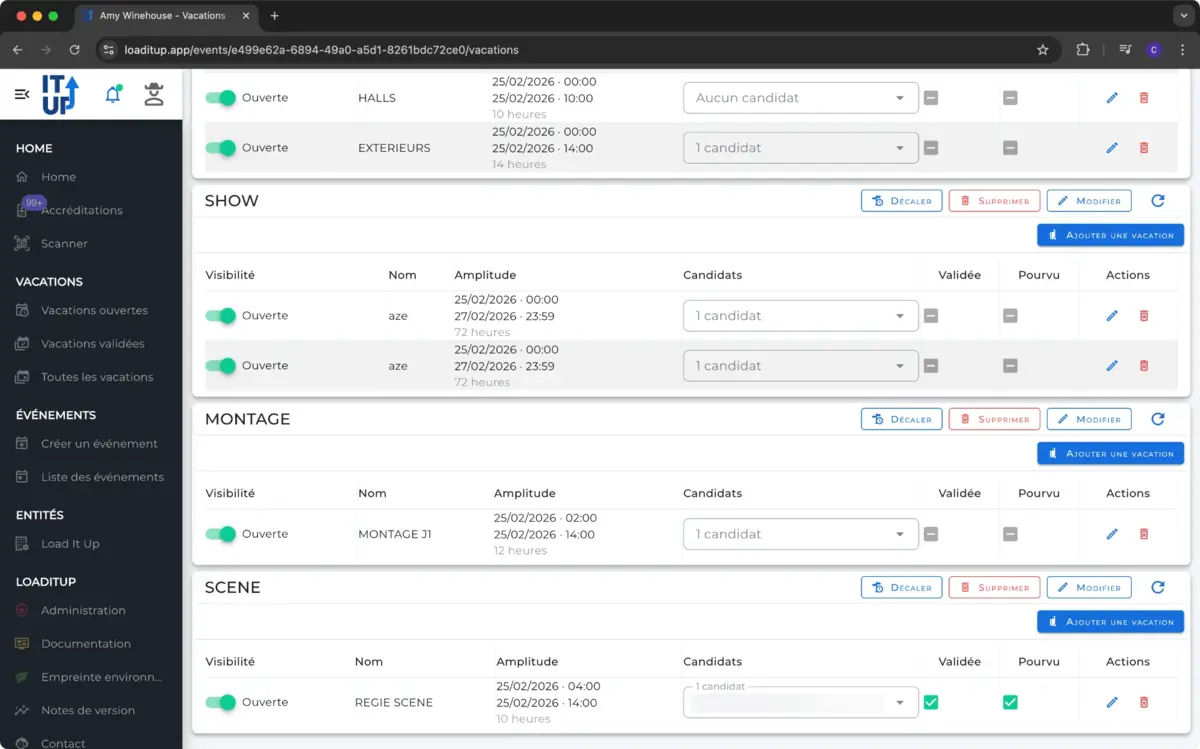
Organize and oversee your missions and shifts in a clear and intuitive way. All essential information is available at a glance, without unnecessary complexity.
Quick to Create
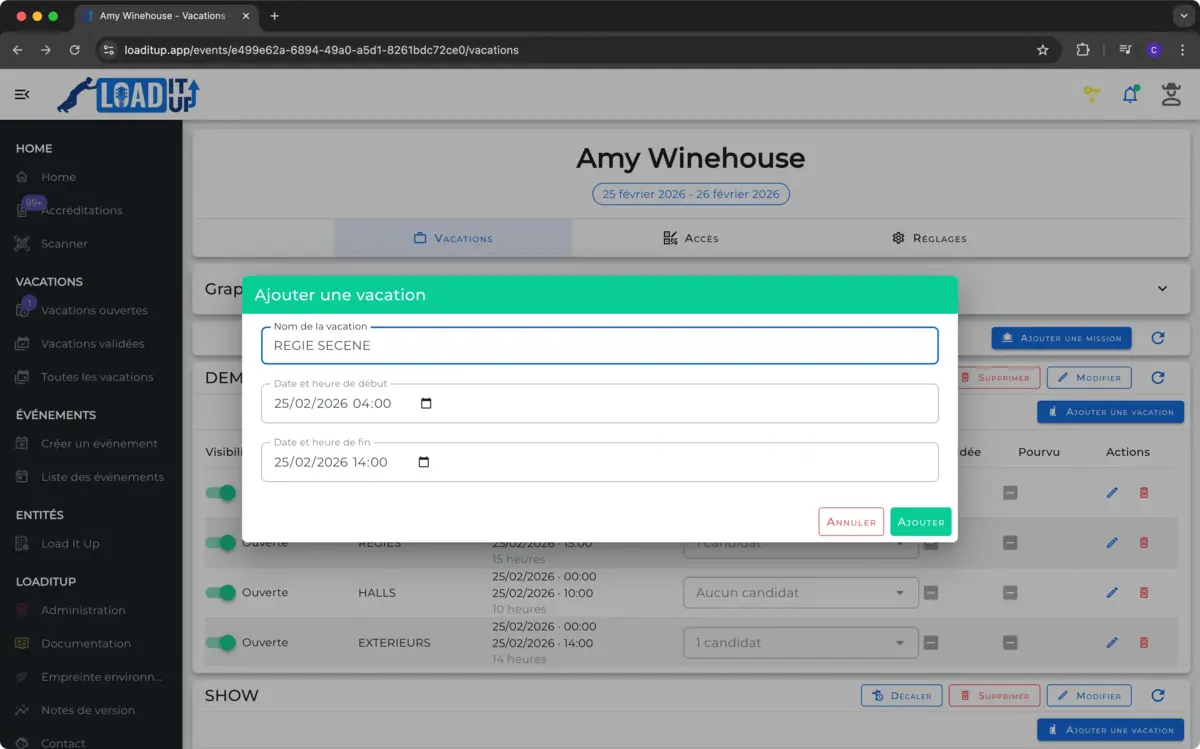
Create new missions and shifts in just a few clicks. Save time and launch your schedules quickly without any administrative hassle.
Simple Assignment
Easily assign shifts to your teams and contractors, with clear options to distribute tasks according to each person’s availability and skills.
All in One Place
Centralize all your contractors’ and collaborators’ availabilities. No more searching through scattered information—everything is consolidated for optimal planning.
Mission Delegation
Allow your team leads to manage certain shifts directly through the app, simplifying coordination and increasing autonomy.
Real-Time Tracking
Monitor the status of missions and shifts live, receive notifications, and anticipate adjustments to keep everything under control.
All Your Questions, Our Answers